
UGREEN Bluetooth 5.3 Adapter
4.4Editor score
Bluetooth 5.3 wireless receiver
Connects up to five devices
Compact Windows plug-and-play design
Our Bluetooth Adapter for Keyboards guide compares ten Windows USB dongles for wireless keyboard pairing, compatibility, range, multi-device support, and setup.
A Bluetooth adapter can give an older Windows desktop or laptop the wireless connectivity needed for a Bluetooth keyboard, mouse, headset, or other peripheral. The most useful model combines broad system compatibility, a compact USB design, dependable pairing, and support for the number of devices you expect to connect at once.
This guide compares ten USB Bluetooth dongles using the information supplied for each product, including Bluetooth version, supported Windows releases, multi-device capacity, range claims, size, driver requirements, and intended use. It covers standard PC receivers as well as converters designed to make wired USB keyboards and mice operate through Bluetooth or 2.4 GHz.
Each entry explains where that adapter is strongest, identifies any compatibility limitations, and clarifies whether it is appropriate for a basic keyboard upgrade or a more advanced multi-device setup. Ratings and specifications can change over time, and current prices and availability vary, so readers should confirm the latest details on the linked product page before buying.
4.4Editor score
4.5Editor score
4.3Editor score
The table below compares all ten adapters across wireless standard, Windows support, device capacity, and distinguishing design features, making it easier to separate ordinary PC dongles from long-range and keyboard-conversion models.


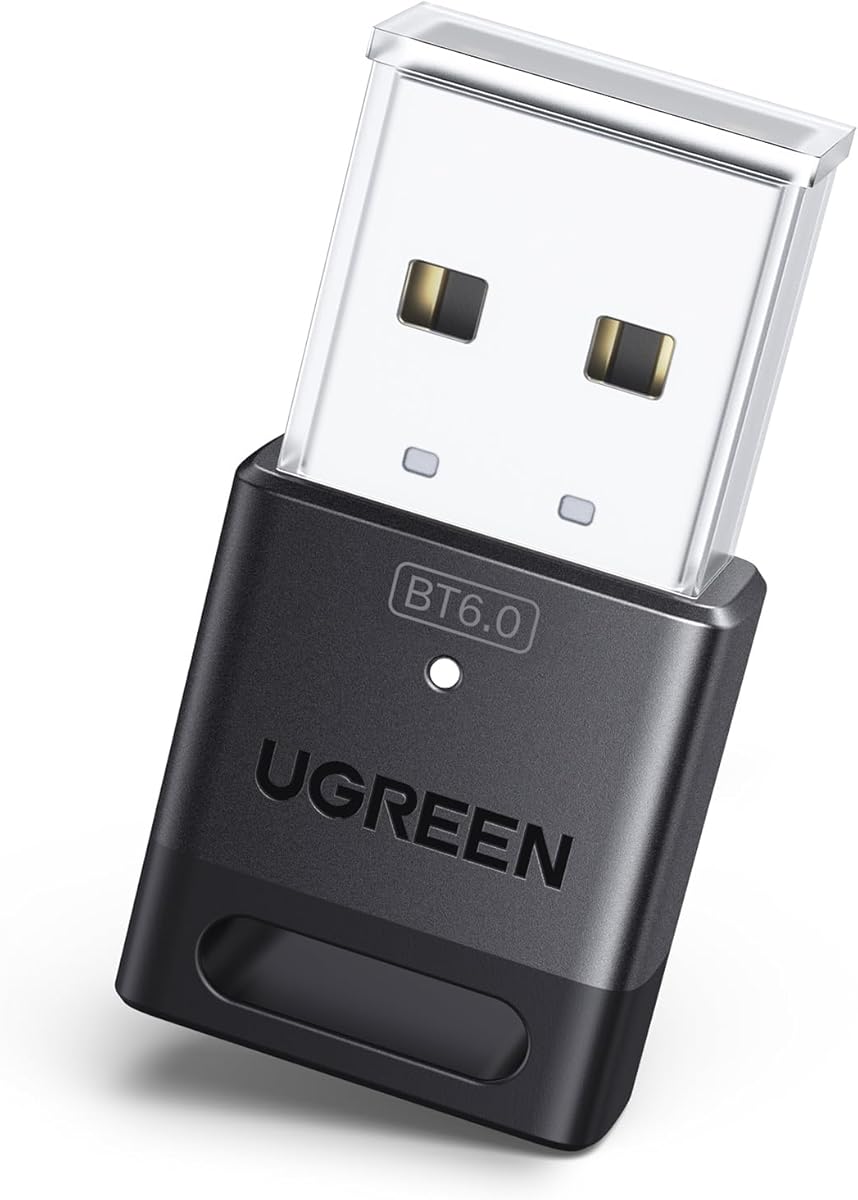


The UGREEN USB Bluetooth 5.3 Adapter is a straightforward Windows receiver with a 4.4 rating, and it stands out for offering a balanced combination of connection capacity, plug-and-play setup, and a very small footprint. It is designed to add Bluetooth capability to a compatible PC or laptop so a wireless keyboard can be paired alongside devices such as a mouse, phone, or headphones.
We may earn a commission when you buy through this link, at no additional cost to you.
Its biggest practical advantage is support for up to five different device types at the same time. That makes it more versatile than a receiver limited to a single peripheral. Bluetooth 5.3 BR/EDR technology is also designed to improve connection stability, data-transfer performance, signal continuity, and power efficiency. On supported Windows 8.1, 10, and 11 systems, no driver installation is required, which keeps setup comparatively simple.
The adapter is small enough to remain inserted in a laptop or desktop without obstructing adjacent USB ports. It also needs to be treated strictly as a receiver, so it cannot transmit Bluetooth to a phone or other host device. Compatibility is limited to Windows, and direct use with PlayStation, Xbox, Switch, televisions, or car systems is excluded. If the computer already has active Bluetooth hardware, the supplied guidance recommends disabling it in Device Manager to prevent conflicts.
This is a strong recommendation for a user who wants a straightforward Bluetooth keyboard upgrade for a Windows PC, particularly when more than one peripheral may be connected. It avoids the complexity of antennas, multi-host switching, and external receivers while still providing useful Bluetooth 5.3 capability. Check your Windows version and built-in Bluetooth status before ordering, since those are the two factors most likely to affect setup success.
Supporting up to five different device types is useful for a workstation containing a wireless keyboard, mouse, phone, and headset. The limitation is that only one audio device of the same type can play at a time, so users should not expect several headphones or speakers to stream independently.
On Windows 8.1, 10, and 11, the receiver is designed for plug-and-play operation without a driver. If the system has an active internal Bluetooth adapter, disabling that competing device first can prevent an exclamation-mark error and make pairing more reliable.
We may earn a commission when you buy through this link, at no additional cost to you.
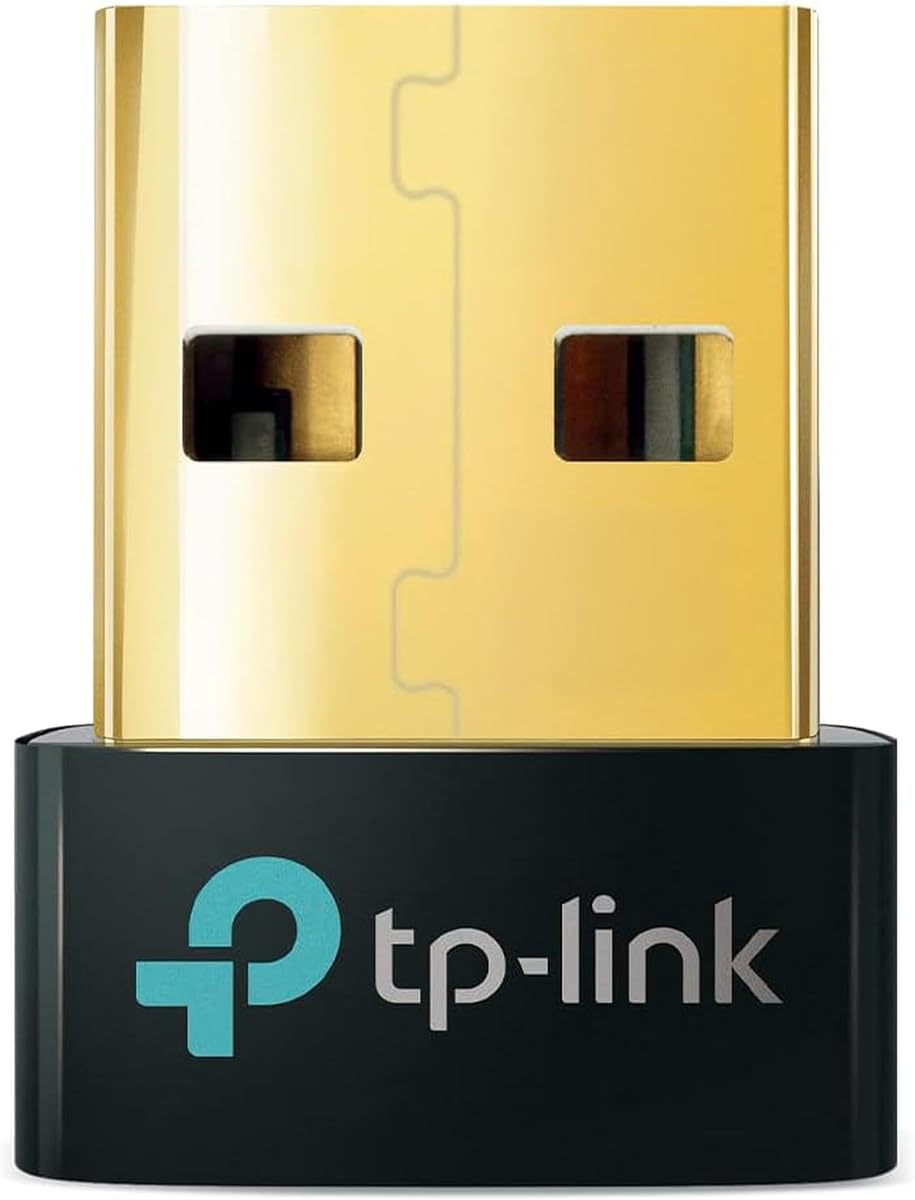
The TP-Link USB Bluetooth Adapter for PC with Bluetooth 5.4 has a 4.5 rating, the highest among the ten products included here. The UB500 is a well-rounded receiver for adding a wireless keyboard to a Windows computer, combining current Bluetooth technology, backward compatibility, a nano-sized enclosure, and support for communication with several types of peripherals.
We may earn a commission when you buy through this link, at no additional cost to you.
Bluetooth 5.4 and Enhanced Data Rate technology are intended to provide faster transfers and more stable connections than older Bluetooth 4.0 hardware. The receiver is also backward compatible with Bluetooth versions ranging from 1.1 through 5.3, which can improve the likelihood that an existing keyboard or other accessory will pair successfully. Its Bluetooth Low Energy support focuses on more energy-efficient operation, while the multi-device function covers peripherals such as phones, printers, headsets, keyboards, and mice.
Setup is uncomplicated on Windows 8.1, 10, and 11, although an internet connection is required for the stated plug-and-play process. Windows 7 is supported only with a driver downloaded from the manufacturer, which is important because newer Windows versions often assume that older hardware has disappeared. The adapter does not work with macOS, Linux, TVs, or Windows 8, and it cannot be used directly with game consoles. Two UB500 units also cannot be paired with each other.
The UB500 is an excellent general recommendation for a Windows user who wants a current, compact receiver and may connect a keyboard alongside several other device types. Its main appeal is balance: it does not require a large external antenna, and its Bluetooth 5.4 specification is more future-facing than the 5.3 options. Verify that the computer is on a supported Windows release and disable any existing internal Bluetooth before installation.
Support for Bluetooth versions from 1.1 through 5.3 means the receiver is not limited to accessories built around the newest standard. That matters for a keyboard purchased several years ago, especially one using an older Bluetooth profile.
The nano-sized receiver can remain inserted in a USB port without taking up much room. That is useful on a laptop that is frequently transported because the user does not need to remove and store a larger dongle every time the computer is packed.
We may earn a commission when you buy through this link, at no additional cost to you.
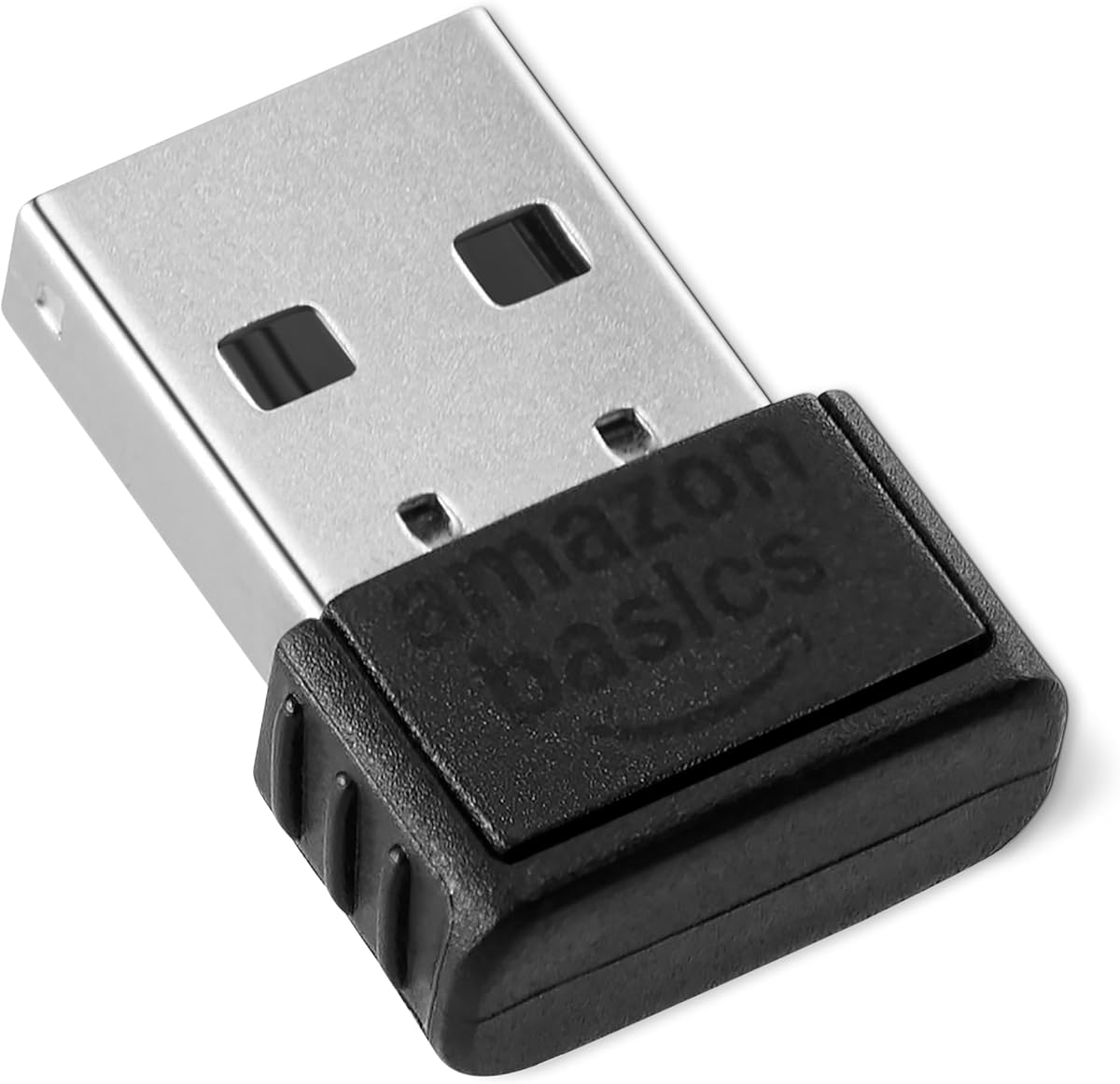
The Amazon Basics Bluetooth 5.4 USB Adapter Dongle has a 4.3 rating and offers the largest stated simultaneous connection capacity in this group, with support for up to six devices. It is intended for users who want to pair a wireless keyboard with several other compatible peripherals on a Windows 8.1, 10, or 11 computer.
We may earn a commission when you buy through this link, at no additional cost to you.
Bluetooth 5.4 is combined with Enhanced Data Rate and Bluetooth Low Energy technology. Together, these features are designed to support efficient transfers, low power consumption, and dependable communication with compatible accessories. The receiver is backward compatible with Bluetooth 5.3, 5.2, 5.1, 5.0, 4.2, 4.0, 3.0, 2.1, 2.0, and 1.1, giving it broad potential to work with peripherals using older wireless standards.
The multi-device allowance is particularly relevant to keyboard-focused workstations. A user can potentially connect a keyboard, mouse, phone, headset, printer, and another supported accessory, although the adapter remains limited to Windows environments. It is not compatible with Mac, Linux, Chrome, Unix, PlayStation, or Windows 7 and earlier. As with the other UGREEN models in this guide, existing built-in Bluetooth should be disabled before using the dongle.
This is a compelling option for a Windows user who values capacity and compatibility over a long-range antenna. Its nano-sized design also allows it to remain connected without blocking nearby USB ports. Before buying, verify that every intended accessory uses Bluetooth rather than a proprietary 2.4 GHz receiver. If the computer is running a supported Windows version and has more than two peripherals to manage, this adapter's six-device capacity is its strongest distinguishing feature.
The six-device limit exceeds the capacity advertised by the other conventional PC dongles in this roundup. It gives users more room to combine a keyboard, mouse, phone, headphones, printer, and another supported accessory without changing receivers.
BLE support is designed to help compatible accessories use power efficiently. This can be useful for wireless keyboards that rely on rechargeable or replaceable batteries, although actual battery life remains dependent on the keyboard and usage pattern.
We may earn a commission when you buy through this link, at no additional cost to you.
The cablecc 2.4G Bluetooth(BT) Converter is a specialized solution with a 3.9 rating. Rather than simply adding Bluetooth radio hardware to a computer, it is designed to convert a wired USB keyboard and mouse into wireless peripherals that can be used with laptops, tablets, and phones.
We may earn a commission when you buy through this link, at no additional cost to you.
Its standout feature is the ability to store connections to as many as eight computers or phones. A physical button can cycle among four hosts, while the keyboard shortcuts Ctrl+Alt+Shift+1 through Ctrl+Alt+Shift+8 select a specific host. Switching reportedly takes about one to three seconds. A separate physical button, or the Ctrl+Alt+Shift+0 shortcut, changes between Bluetooth and 2.4 GHz operation, with blue and red indicator lights showing the active mode.
The package includes one wireless adapter and one 2.4 GHz receiver, although the supplied product information says an additional 2.4 GHz receiver must be purchased when the user wants to use that mode with additional hosts. The design therefore works best for someone who already owns a compatible wired keyboard and mouse but wants to share them among several systems without buying entirely new wireless accessories.
This is not the best choice for a basic desktop that simply lacks Bluetooth, because it adds an unusual converter workflow rather than functioning as a conventional Windows USB dongle. It is best for users who value device sharing, existing peripherals, and a choice between Bluetooth and 2.4 GHz. Confirm that the keyboard and mouse use standard USB connections, read the downloadable manual, and determine how many additional receivers you need before making a purchase.
Eight saved host profiles make the converter useful for a shared desk or a setup involving several laptops and tablets. Keyboard shortcuts provide direct selection, while the button offers a faster way to move among the first four devices.
The mode switch lets users choose between Bluetooth connectivity and a dedicated 2.4 GHz receiver. Bluetooth is particularly relevant for phones and tablets, while 2.4 GHz may suit hosts that need the supplied receiver-style connection.
We may earn a commission when you buy through this link, at no additional cost to you.
The TP-Link USB Bluetooth Adapter for PC, UB600, is a Bluetooth 6.0 nano dongle with a 4.2 rating. It is designed to add wireless capability to compatible PCs and laptops, with a listed device capacity of up to seven different types of simultaneously connected peripherals. That makes it one of the more flexible standard receivers in the roundup.
We may earn a commission when you buy through this link, at no additional cost to you.
Bluetooth 6.0 is positioned around faster data transfer, stable interference handling, low latency, and smooth audio or video streaming. Those qualities can be useful with a wireless keyboard because input responsiveness and a stable link are more important than raw throughput for ordinary typing. The adapter can also work with a mouse, smartphone, tablet, game controller, and printer, according to the supplied information.
Operating-system support is broader in some respects than many competing Windows-only dongles. Windows 10 and 8.1 support plug-and-play installation, while users on Windows 11 or Windows 7 are directed to download the latest driver from TP-Link's website. The small receiver is intended to stay securely in a port and travel inside a laptop bag without blocking surrounding USB sockets. TP-Link also identifies the company as a participant in the CISA Secure-by-Design pledge.
The UB600 is a strong fit for a user who wants a modern standard, supports several peripherals, and prefers not to deal with a larger external antenna. It is less convenient than models that need no driver on every current Windows release, since Windows 11 and 7 users have an extra setup step. Confirm the driver procedure, use a direct USB port, and disable conflicting internal Bluetooth if the system includes it.
The adapter's low-latency positioning is especially relevant to a wireless keyboard, where noticeable input delay can undermine the benefit of going wireless. Its interference controls are also intended to support more stable connections in busy wireless environments.
A capacity of up to seven device types is useful for users who alternate among input accessories, phones, audio, and printers. As with the other multi-device receivers, exact simultaneous operation can still depend on the device categories and audio limitations.
We may earn a commission when you buy through this link, at no additional cost to you.
The UGREEN USB Bluetooth Adapter for PC Bluetooth 6.0 Dongle Receiver has a 4.2 rating and combines a current wireless standard with a compact receiver design. It is intended to add Bluetooth to a Windows computer and can connect a wireless keyboard alongside a mouse, phone, headphones, and other supported device types.
We may earn a commission when you buy through this link, at no additional cost to you.
Bluetooth 6.0 EDR is designed to support faster transfers, high-quality audio and video streaming, and efficient large-file transfers. The adapter is backward compatible with Bluetooth 5.4 and 5.3, while EDR and BLE technologies are included to balance transfer performance and power consumption. Its stated capacity is up to five different device types at the same time, with the usual restriction that only one audio device of a given type can play music.
For Windows 8.1, 10, and 11 systems, no driver installation is required. Linux, macOS, and Windows 7 are not supported, and the receiver cannot be used directly with game consoles, televisions, or car systems. Physical obstructions, walls, and wireless interference can also affect its transmission range. If the PC already contains a Bluetooth device, the manufacturer advises disabling it in Device Manager before using the dongle.
This UGREEN model is a sensible choice for a user who wants Bluetooth 6.0 without the driver requirement found with the TP-Link UB600 on some Windows versions. It is especially convenient for laptops because its compact body can remain plugged in. The trade-off is a five-device ceiling rather than the higher capacities advertised by several alternatives. For a typical keyboard, mouse, and phone arrangement, however, that limit is unlikely to be restrictive.
Bluetooth 6.0 is paired with backward compatibility and driver-free operation on three mainstream Windows releases. This gives users a current adapter without requiring them to search for a driver during every installation.
Five simultaneous device types cover the most common productivity peripherals. The capacity is lower than the six- and seven-device alternatives, but it remains ample for a keyboard, mouse, phone, and one or two additional accessories.
We may earn a commission when you buy through this link, at no additional cost to you.
The TP-Link USB Bluetooth Adapter for PC, Bluetooth 5.3 USB Long Range Receiver, has a 4.4 rating. Its most distinctive feature is the adjustable, multi-direction antenna, which allows the receiver to be rotated and positioned for better reception. That makes it the clearest choice in the roundup when a keyboard is located farther from the computer or when walls and furniture may affect a tiny internal antenna.
We may earn a commission when you buy through this link, at no additional cost to you.
Bluetooth 5.3 with Enhanced Data Rate is backward compatible with older Bluetooth versions and is stated to provide up to twice the speed and four times the coverage associated with Bluetooth 4.0. The antenna adjustment adds a physical way to improve the signal path in different environments. EDR and Bluetooth Low Energy technology support transfer performance and energy-efficient operation, while the receiver can connect with Bluetooth-enabled devices.
The product supports Windows 8.1, 10, and 11 with a plug-and-play process when the computer is online. Windows 7 also works, but it requires a driver downloaded from TP-Link's website. Unlike the smallest nano receivers, this larger unit can remain connected while the antenna is oriented toward the keyboard. Its additional size is therefore a functional advantage rather than merely a cosmetic difference.
This receiver is best for a desktop located away from the user's seating position, a home office with intervening furniture, or any setup where reliable reach is more important than a completely minimal profile. Users with a keyboard close to the computer may gain little from the adjustable antenna and can choose a smaller dongle. In either case, Windows compatibility, physical obstructions, and the position of the receiver still influence real-world performance.
The rotating, multi-direction antenna can be aimed toward the paired keyboard or another important peripheral. This provides an adjustable response to signal obstacles that a fixed, ultra-small internal antenna cannot offer.
The stated improvement over Bluetooth 4.0 coverage is useful when the computer is not immediately beside the keyboard. Results will still depend on walls, interference, the keyboard's own radio, and the room in which the system is used.
We may earn a commission when you buy through this link, at no additional cost to you.
The Bluetooth 6.0 USB Adapter for PC has the highest numerical rating in this roundup at 4.6. It is a compact receiver designed for Windows computers and lists a 65-foot connection range in open environments. It can be used with keyboards, mice, headphones, speakers, printers, and game controllers, making it a general-purpose choice for a wireless desk.
We may earn a commission when you buy through this link, at no additional cost to you.
Bluetooth 6.0 is presented as providing faster pairing, lower latency, improved resistance to interference, and more stable connections. Backward compatibility with Bluetooth 5.4, 5.3, 5.2, and 4.0 expands the pool of compatible accessories. The receiver's low-profile body is intended to remain in a USB port without blocking neighboring ports, which is especially convenient for a laptop used in travel or a compact home-office arrangement.
Windows 11 and 10 support direct plug-and-play use, while Windows 7 requires driver installation for audio device support. The stated 65-foot range applies to an open environment, so a realistic expectation should account for walls, furniture, electronic interference, and the capabilities of the paired keyboard. Unlike many competing models, the supplied information does not state a maximum number of simultaneously connected devices.
This adapter is an attractive choice for a keyboard user who wants a small receiver and values a clearly stated range figure without paying for a separate antenna assembly. It is also a strong option for anyone who may connect both input devices and audio. Confirm your Windows version, especially if audio support matters, and keep the adapter in a clear USB position for the best chance of maintaining its stated open-area reach.
A stated 65-foot open-environment reach gives the receiver more room than a typical desk-only profile suggests. Users can potentially pair from across a room or office, although barriers and interference remain influential.
The listed compatibility with keyboards, mice, headphones, speakers, printers, and controllers makes this a flexible center for a mixed wireless setup. The absence of a stated multi-device ceiling should be considered when planning several simultaneous accessories.
We may earn a commission when you buy through this link, at no additional cost to you.
The USB Wired Keyboard and Mouse Convert to Wireless 2.4G Bluetooth(BT) Converter has a 2.8 rating, making it the lowest-rated option in this roundup. It is nevertheless built around a distinct use case: converting wired USB keyboards and mice into wireless accessories for laptops, tablets, and phones.
We may earn a commission when you buy through this link, at no additional cost to you.
The converter can operate in Bluetooth or 2.4 GHz mode and can store connections to eight computers or phones. A physical button cycles among the first four hosts, while Ctrl+Alt+Shift+1 through Ctrl+Alt+Shift+8 shortcuts select individual saved devices. The switch takes approximately one to three seconds. Ctrl+Alt+Shift+0 changes between Bluetooth and 2.4 GHz, and blue and red LEDs identify the active mode.
The package contains one wireless adapter and one 2.4 GHz receiver. The supplied information also notes that an additional 2.4 GHz receiver must be purchased for the other hosts used in 2.4 GHz mode. The converter requires a Type-C power connection and is intended for wired peripherals, so it is less convenient than a standard receiver for a desktop user who already owns a native Bluetooth keyboard.
The lower rating may reflect the complexity of this approach, its dependency on compatible wired peripherals, and the need for extra receivers in some setups. It still makes sense for a traveler who wants one keyboard and mouse to work across many personal devices. Confirm the physical connectors, charging arrangement, supported operating systems, and number of receivers required before relying on it for a critical workflow.
The ability to save eight device profiles is useful for a person moving between a work laptop, personal computer, tablet, and phone. Direct keyboard shortcuts make the target host easy to change without unplugging the converter.
The blue and red lights communicate whether Bluetooth or 2.4 GHz is active. This visual confirmation is helpful because the two modes use different connection approaches and may require different receivers on the host side.
We may earn a commission when you buy through this link, at no additional cost to you.
The Avantree DG45 USB Bluetooth Adapter has a 4.3 rating and is designed specifically for Windows PCs and laptops. It adds Bluetooth capability for accessories including wireless keyboards, mice, headphones, speakers, printers, smartphones, tablets, smartwatches, and supported Bluetooth game controllers.
We may earn a commission when you buy through this link, at no additional cost to you.
The receiver can pair with up to seven devices, and non-audio peripherals such as a keyboard and mouse can operate at the same time. Only one Bluetooth audio device can be active at once, which is an important distinction for a desk containing a keyboard, mouse, and headset. It also supports stereo music streaming and voice calls through compatible Bluetooth headphones, including use with applications such as Skype, Zoom, and Teams.
Compatibility is deliberately narrow. It supports Windows 11, 10, 8.1, and 8, but not Windows 7, XP, Vista, macOS, ChromeOS, Linux, televisions, car stereos, or gaming consoles. It also cannot operate with 2.4 GHz wireless peripherals that require their own USB receiver, nor can it provide Wi-Fi functionality. Users should therefore verify that a keyboard uses Bluetooth rather than a proprietary wireless protocol.
The DG45 is a sensible option for a straightforward Windows setup in which Bluetooth accessories are already in hand. Its seven-device pairing allowance is generous, and simultaneous keyboard and mouse use covers the central need well. The main drawback is limited operating-system support compared with some alternatives, especially the absence of Windows 7. For a modern Windows computer, it remains a focused and easy-to-understand receiver.
A seven-device pairing limit provides ample room for a keyboard, mouse, phone, printer, and other Bluetooth equipment. Simultaneous use of non-audio devices is particularly useful because input devices do not compete for a single audio stream.
The adapter is a Bluetooth receiver only. It cannot interpret the proprietary 2.4 GHz receivers used by some wireless keyboards and mice, so buyers should check the underside of a peripheral for a Bluetooth label or pairing button before ordering.
We may earn a commission when you buy through this link, at no additional cost to you.
The right adapter depends less on the newest Bluetooth label and more on operating-system support, keyboard protocol, connection capacity, physical placement, and whether you actually need to convert an existing wired peripheral.
Every standard receiver in this roundup is intended primarily for Windows computers, but their supported releases differ. The UGREEN Bluetooth 5.3 Adapter and UGREEN Bluetooth 6.0 Adapter support Windows 8.1, 10, and 11 without a driver, while Amazon Basics and TP-Link UB500 also cover those three releases. The TP-Link UB600 and UB500 Plus add Windows 7 support, although the latter two may require a driver. Avantree supports Windows 8 through 11 but excludes Windows 7 and earlier. macOS, Linux, ChromeOS, televisions, cars, and direct console use are excluded across most of these PC receivers.
Choose the adapter that explicitly supports your operating system. A modern Bluetooth version cannot compensate for an unsupported platform, so check the Windows edition before purchasing.
A wireless keyboard is not necessarily a Bluetooth keyboard. Many models use a proprietary 2.4 GHz USB receiver, and those receivers are not interchangeable with a Bluetooth dongle. The Avantree DG45 explicitly cannot work with 2.4 GHz peripherals that require a USB receiver. Look for Bluetooth wording, a Bluetooth pairing button, or a Bluetooth logo on the keyboard. A keyboard that includes only a 2.4 GHz receiver may need to be replaced rather than adapted.
In short, confirm the protocol before buying any USB Bluetooth adapter. This quick check prevents the most common mismatch between a receiver and a wireless keyboard.
Stated capacity ranges from five devices in the two conventional UGREEN models to six for Amazon Basics and seven for the TP-Link UB600 and Avantree DG45. The cablecc converters take a different approach, storing connections to as many as eight computer or phone hosts while allowing the user to switch among them. A keyboard, mouse, and headset can fit within most options, but a busy desk should consider the higher-capacity models.
Choose a capacity that matches your actual peripheral count. Do not confuse the number of saved host profiles in a converter with the number of peripherals connected simultaneously to one PC.
Range depends on the adapter, the keyboard's radio, physical obstructions, wireless interference, and the layout of the room. The TP-Link UB500 Plus has an adjustable multi-direction antenna, making it the strongest option for a keyboard positioned away from the computer. The unnamed Bluetooth 6.0 Mini USB Adapter states a 65-foot range in open environments. Smaller nano receivers are more discreet, but their range claims are less explicit in the supplied information.
Prioritize an adjustable or clearly specified range only when distance or barriers are real concerns. For a keyboard used directly at the same desk, a compact receiver may be more convenient.
A conventional PC receiver adds Bluetooth capability to a Windows computer and pairs with peripherals that already use Bluetooth. A converter such as the cablecc U2-016-AF001 or the USB Keyboard and Mouse Converter instead connects a wired USB keyboard and mouse to the converter, then communicates with hosts through Bluetooth or 2.4 GHz. The latter approach is useful for sharing existing peripherals across several systems but introduces extra receivers, mode switching, and power requirements.
Buy a receiver for a normal desktop upgrade. Choose a converter when preserving and sharing an existing wired keyboard or mouse is the main goal.
Plug-and-play claims should be read alongside the specified operating system. The UGREEN models require no driver on Windows 8.1, 10, and 11. Amazon Basics is also designed for those systems, while TP-Link UB500 specifies plug-and-play operation with an internet connection. TP-Link UB600 requires a downloaded driver on Windows 11 and 7, and the Bluetooth 6.0 Mini USB Adapter requires driver installation on Windows 7 for audio support. Built-in Bluetooth may also need to be disabled to avoid conflicts.
Check the setup notes before ordering. If your computer is older, online driver access, or manual Device Manager changes, choose a model whose requirements match your comfort level.
A nano-sized dongle can usually remain inserted in a laptop without interfering with adjacent USB ports, making it convenient for frequent travel. A desktop with several occupied ports may benefit from a longer receiver with an adjustable antenna because the larger body can remain in a less crowded location. The cablecc converters also need a Type-C power connection, adding a cable to the setup. Form factor should therefore reflect the available ports and the need to reposition the receiver.
Choose a compact adapter for portability or a larger adjustable model for signal positioning. Do not overlook the extra power and connection requirements of a multi-host converter.
Many multi-device Bluetooth receivers impose a separate rule on audio. UGREEN states that only one device of the same audio type, such as a pair of headphones or speakers, can play music. Avantree similarly allows simultaneous keyboard, mouse, and other non-audio use but only one active Bluetooth audio device. These limits generally do not affect normal keyboard use, though they can matter to a shared workstation where several people might want separate headsets.
Focus on the keyboard first, then note the audio behavior if you plan to use the same receiver for calls, music, or multiple audio peripherals.
Begin by confirming that the computer runs a supported Windows release and that the keyboard is a Bluetooth model rather than one that requires a proprietary 2.4 GHz receiver. If the computer has built-in Bluetooth, open Device Manager, locate the existing Bluetooth device, and disable it as recommended by the relevant manufacturer. This reduces the chance that the computer will try to use the internal radio and USB dongle at the same time.
Insert the receiver into a direct USB port, then use the keyboard's Bluetooth pairing control or pairing button. In Windows, open the Bluetooth settings, choose the option to add or pair a new device, and select the keyboard when it appears. If the keyboard supports an Easy Pairing mode, activating it before starting the search can simplify discovery. Move the keyboard away from other unused Bluetooth devices if the correct model is not listed immediately.
After a successful pairing, test typing in a text editor or browser and check that all keyboard functions work. Keep the receiver unobstructed, avoid repeatedly unplugging it, and use the supplied manual if pairing fails. For adjustable or long-range models, reposition the antenna or receiver as needed. If a converter is used, confirm the correct Bluetooth or 2.4 GHz mode, watch the indicator light, and use the documented host-switching shortcut before changing computers.
No, not when the keyboard requires its own proprietary 2.4 GHz USB receiver. A Bluetooth USB adapter communicates with peripherals that use Bluetooth, while a 2.4 GHz keyboard uses a different receiver and pairing system. Check whether the keyboard has a Bluetooth logo or pairing button before buying. If it supports both methods, you can choose Bluetooth after installing a compatible adapter.
A USB Bluetooth adapter adds Bluetooth radio capability to a compatible computer and pairs directly with Bluetooth keyboards. A keyboard converter plugs a wired USB keyboard into the converter, allowing that keyboard to communicate through Bluetooth or 2.4 GHz with supported hosts. A standard adapter is usually simpler for adding a native wireless keyboard, while a converter is useful for reusing or sharing existing wired peripherals.
None of the listed standard PC adapters is supported on macOS or Linux. The TP-Link UB500, Amazon Basics model, UGREEN models, and Avantree DG45 are all described as Windows-focused products. The converter-style products may connect to phones, tablets, or other compatible hosts, but their host support and required settings differ from ordinary PC receivers. Check the product documentation before attempting an unsupported platform.
A common cause is active built-in Bluetooth competing with the USB receiver. Disable the computer's internal Bluetooth device in Device Manager, unplug the USB adapter, and reconnect it so Windows can detect the dongle cleanly. Also try a direct USB port, confirm that the operating system is supported, and make sure the keyboard is in pairing mode. The exact troubleshooting sequence may differ by adapter.
Yes, the multi-device specifications for the conventional receivers indicate that keyboards and mice can be connected together. For example, UGREEN supports up to five different device types, Amazon Basics supports up to six, and the TP-Link UB600 and Avantree DG45 support up to seven. Audio products may have a separate one-active-device restriction, but that generally does not prevent simultaneous keyboard and mouse use.
It depends on the adapter and Windows version. The UGREEN Bluetooth 5.3 and 6.0 models require no driver on Windows 8.1, 10, and 11. Amazon Basics is designed for those versions, and TP-Link UB500 provides plug-and-play operation with an internet connection. TP-Link UB600 and UB500 Plus require a downloaded driver on certain releases, including Windows 11 for the UB600 and Windows 7 for the UB500 Plus.
The distance depends on the adapter, keyboard, obstructions, and wireless interference. The Bluetooth 6.0 Mini USB Adapter states a range of up to 65 feet in an open environment, while the TP-Link UB500 Plus offers an adjustable antenna for improved reception. Walls and furniture can reduce reach, so a keyboard in another room may need a long-range model or a more centrally positioned receiver.
The cablecc U2-016-AF001 and the USB Keyboard and Mouse Converter support switching among eight computers or phones in both Bluetooth and 2.4 GHz modes. Ordinary PC dongles primarily add Bluetooth to the computer into which they are inserted. The converters therefore suit users sharing a wired keyboard and mouse, but they require a more involved host-switching and power setup.
The UGREEN Bluetooth 5.3 Adapter is the most balanced straightforward option, offering plug-and-play operation, support for up to five device types, and a compact design. The TP-Link UB500 is an excellent all-round alternative with Bluetooth 5.4, broad backward compatibility, and a 4.5 rating. Amazon Basics stands out for its six-device capacity, while the TP-Link UB500 Plus is preferable when an adjustable long-range antenna matters.
Start with the keyboard's protocol and your Windows version, because neither a higher Bluetooth version nor a larger advertised range can overcome an incompatible operating system or a keyboard that requires a proprietary 2.4 GHz receiver. If range is not a concern, a nano-sized dongle is the easiest daily setup. If you want to reuse a wired keyboard across several computers or phones, a dedicated converter offers a different and more specialized solution.
Ratings, driver availability, product details, and prices can change, so check the current product page and manufacturer information before ordering. Confirm the supported operating system, pairing procedure, simultaneous-device requirements, and connection type one final time to ensure the adapter matches your keyboard and daily workflow.